


 EchoAPI for VS Code

 EchoAPI for IntelliJ IDEA

 EchoAPl-Interceptor

 EchoAPl CLI
 EchoAPI Client
 API Design
 API Debug
 API Documentation
 Mock Server


The 10 Must-Know API Testing Tools for Junior Developers in 2026
API testing is a must-have skill for junior developers, and choosing the right tools like EchoAPI can boost productivity and career prospects significantly. This article highlights 10 essential tools, balancing usability, automation and real-project adaptability for beginners.


Introduction
By 2026, API testing is no longer a “nice to have” skill for junior developers — it’s a baseline expectation. Whether you’re working on frontend-backend integration, microservices, or preparing for technical interviews, choosing the right API testing tools can significantly impact both your productivity and your career growth.
This article introduces 10 essential API testing tools every junior developer should know in 2026, with a special focus on project-ready tools like EchoAPI, which combine flexibility, automation, and modern AI-assisted workflows.
1. Postman
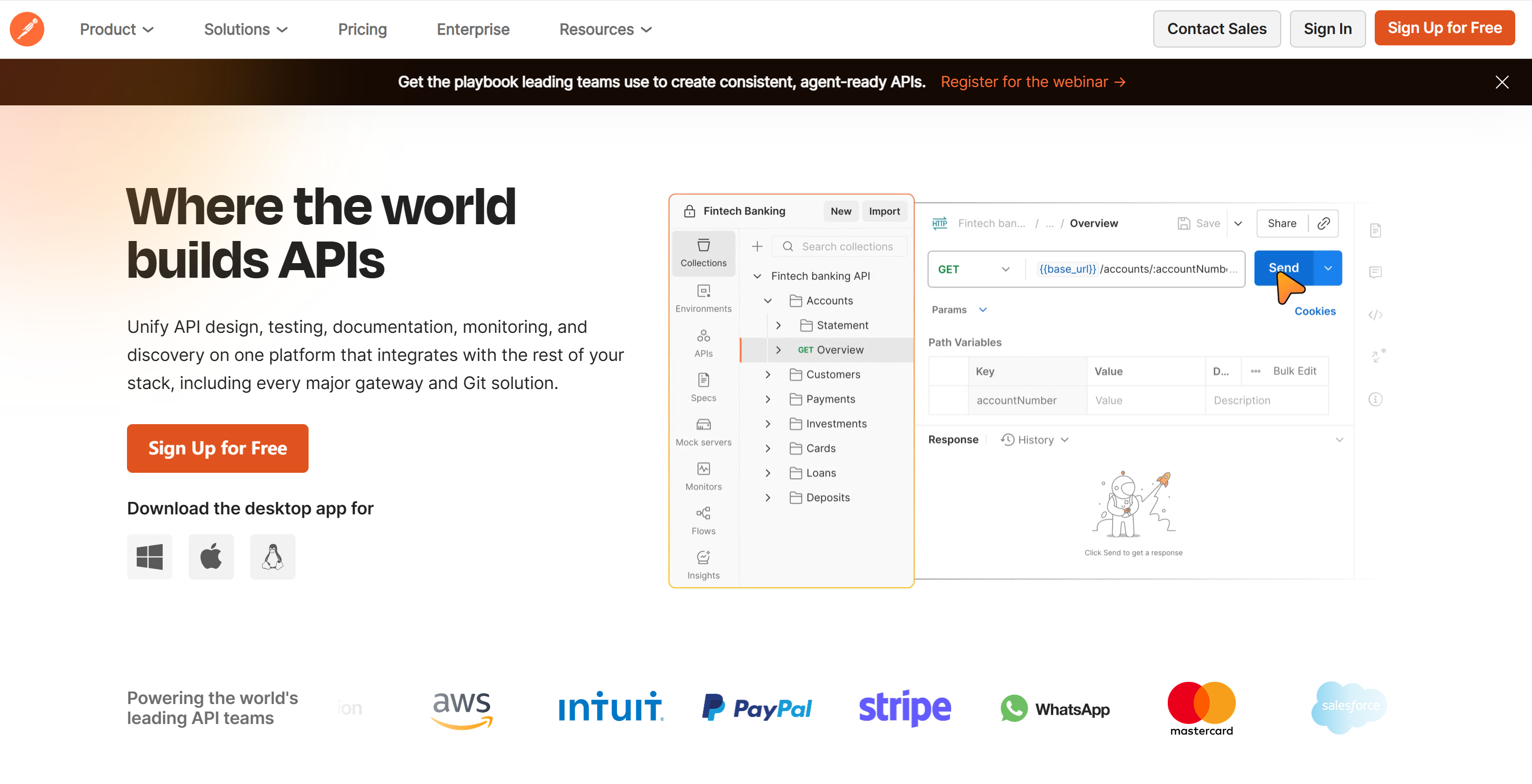
Postman remains the most widely recognized API testing tool and is still heavily used in many engineering teams.
Key Strengths
- Mature ecosystem with collections and environments
- Strong team collaboration features
- Large amount of learning resources and community examples
- Familiar tool for most interviewers
Limitations
- Can feel heavy for small or solo projects
- Performance may degrade with large collections
- Advanced automation often requires paid plans
Interview Tip 💡
Mentioning Postman shows industry awareness, but interviewers will expect you to understand its limitations and alternatives.
2. EchoAPI
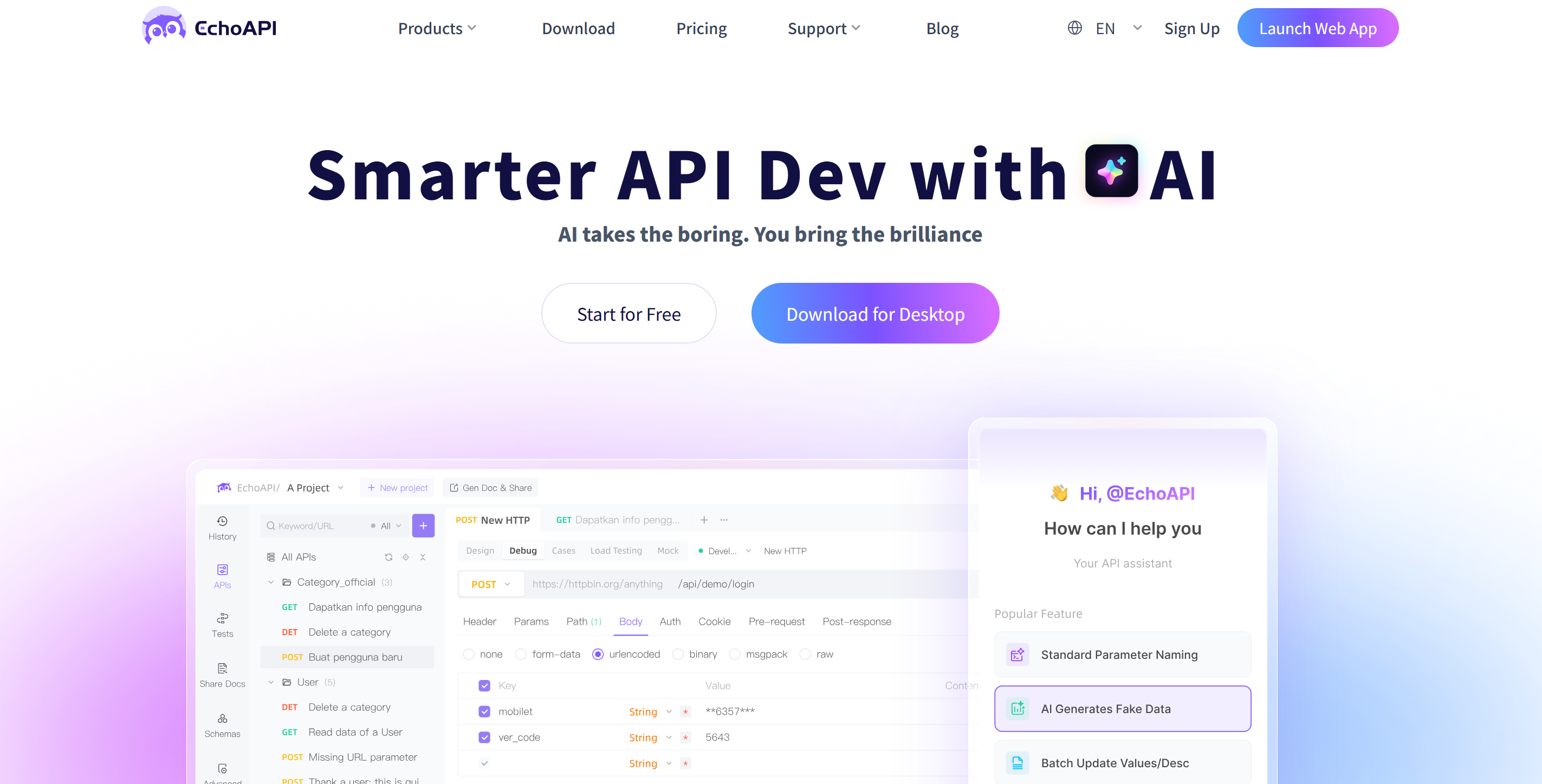
EchoAPI has quickly become a favorite among junior developers because it bridges the gap between learning and production-level usage.
Key Strengths
- Multi-protocol support: REST, GraphQL, WebSocket — essential for modern systems
- Flexible authentication: API Key, Bearer Token, OAuth2
- AI-driven test cases & documentation
- Automatically generates test cases from API definitions
- Produces clean, readable API docs with minimal effort
- Mock services & simulation
- Frontend and backend teams can work in parallel
- Scripted + no-code testing
- Beginners can use visual configuration
- Advanced users can write assertions and scripts
Limitations
- Smaller global user base compared to long-established tools like Postman
- Advanced testing workflows still require understanding of API fundamentals (auth, schemas, assertions)
- Enterprise-specific features (very large team governance, compliance-heavy workflows) are not the primary focus
Interview Tip 💡
Being able to explain why you chose EchoAPI —
“because it supports real project constraints like auth, mocking, and automation, without the overhead of enterprise tools” —
is a strong signal to interviewers.
3. Insomnia
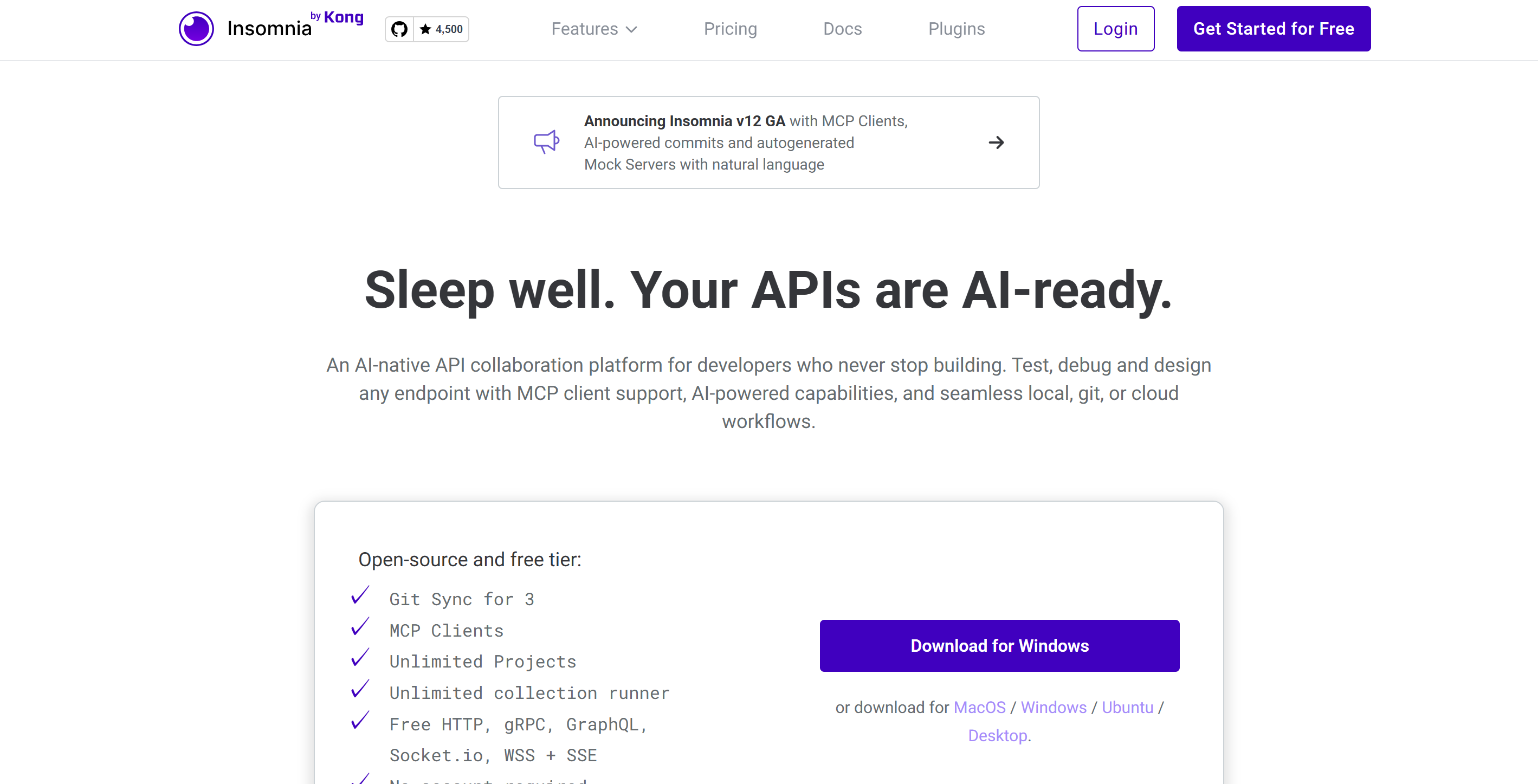
Insomnia focuses on speed and simplicity, offering a clean experience for API testing.
Key Strengths
- Lightweight and fast startup
- Strong REST and native GraphQL support
- Minimal UI reduces cognitive load
- Good for quick manual testing
Limitations
- Limited built-in automation
- Not designed for complex test pipelines or large teams
Interview Tip 💡
Insomnia works well as a daily tool, but explain why you’d switch to something more powerful for production workflows.
4. Swagger / OpenAPI Tools
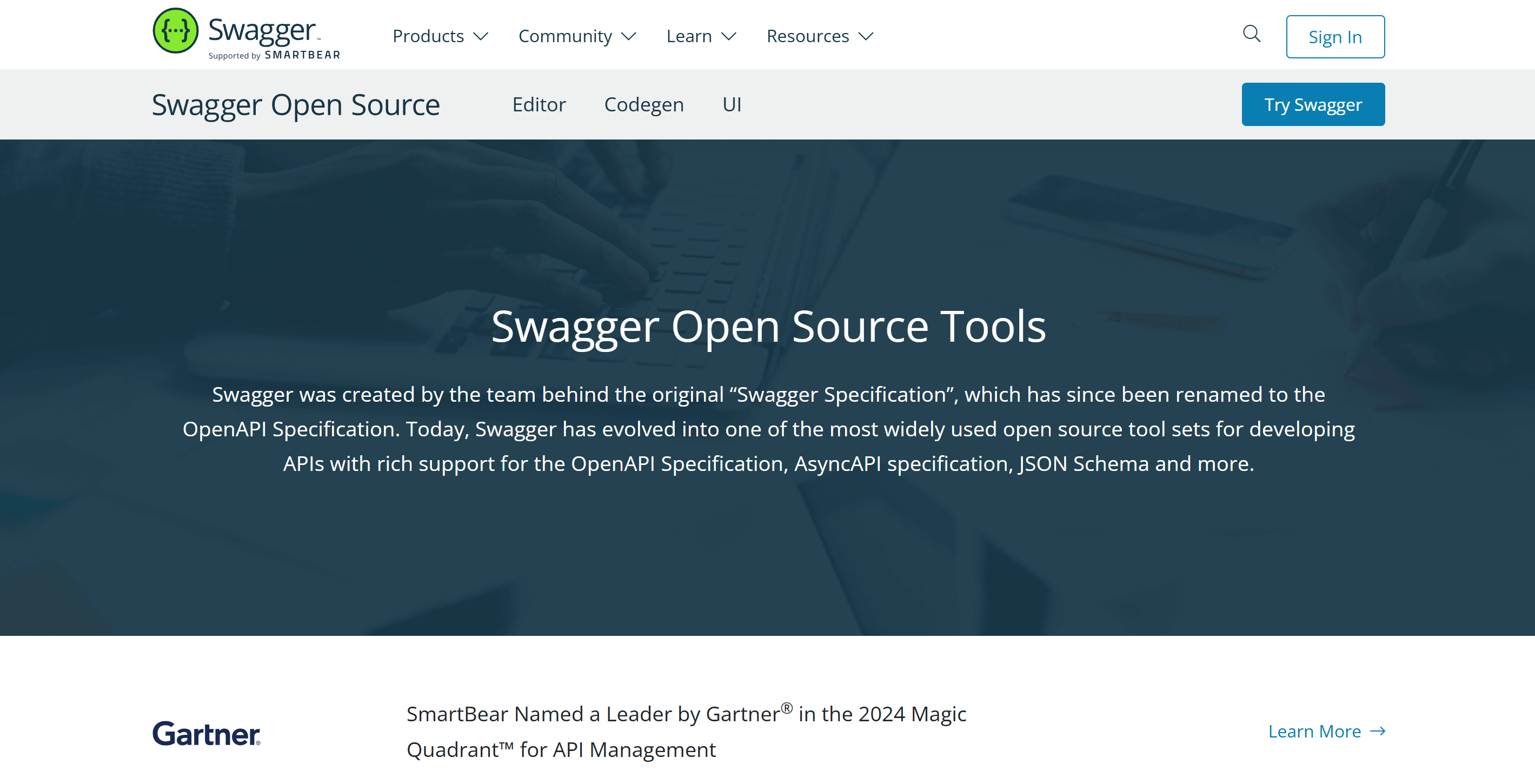
Swagger tools focus on API contracts, not execution.
Key Strengths
- OpenAPI specification as an industry standard
- Auto-generated API documentation
- Helps align frontend and backend expectations
- Enables client SDK generation
Limitations
- Not a full API testing solution
- Weak support for assertions and runtime behavior testing
Interview Tip 💡
Use Swagger to explain how you understand an API, then pair it with a testing tool for execution.
5. Bruno
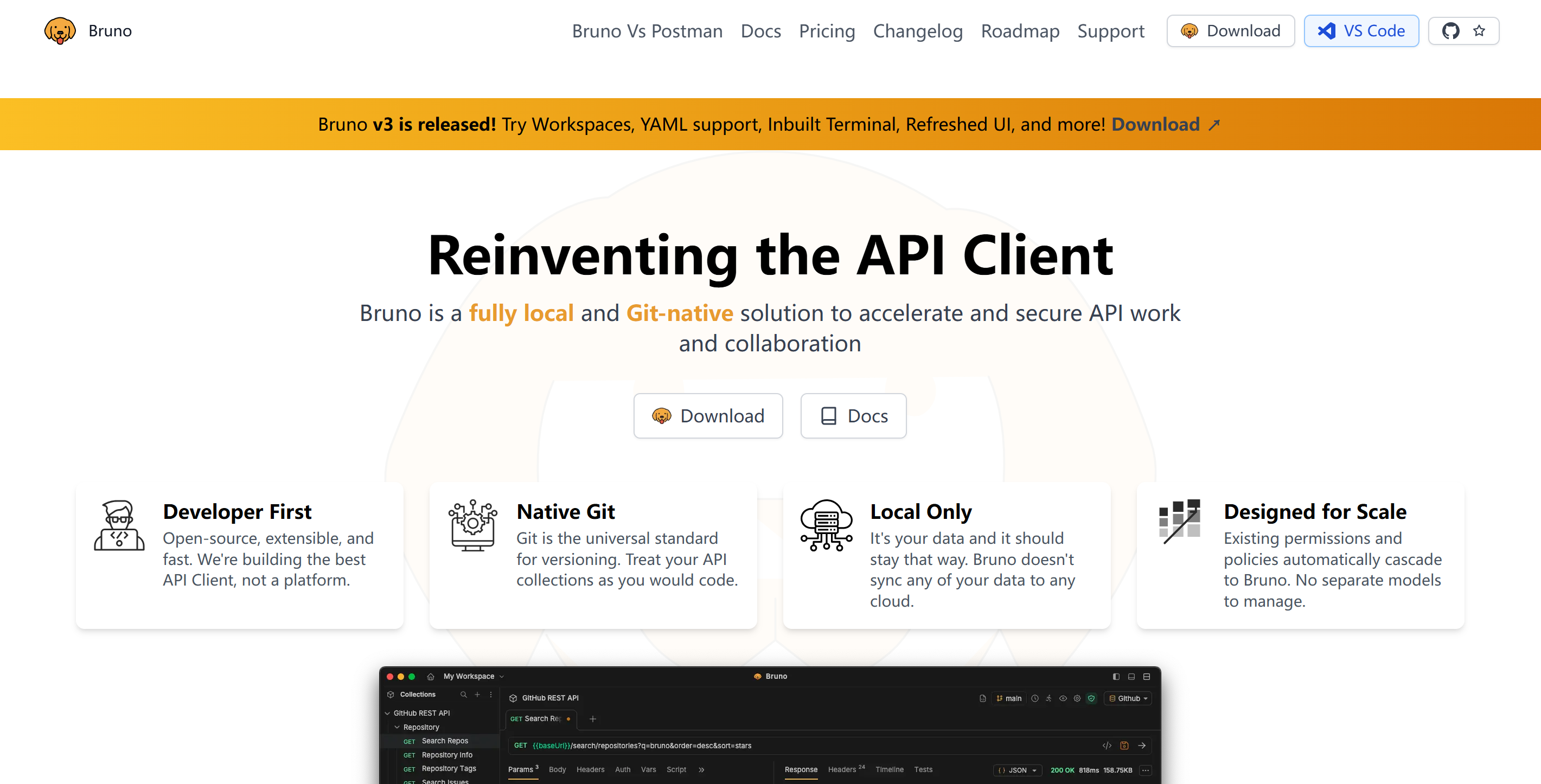
Bruno is a local-first, Git-friendly API testing tool gaining popularity among developers.
Key Strengths
- File-based collections stored in Git
- No mandatory cloud sync
- Fast and simple desktop experience
- Fits well into developer-centric workflows
Limitations
- Smaller ecosystem and community
- Limited collaboration features compared to cloud-based tools
Interview Tip 💡
Bruno signals that you value version control and reproducibility over heavy SaaS tooling.
6. Hoppscotch
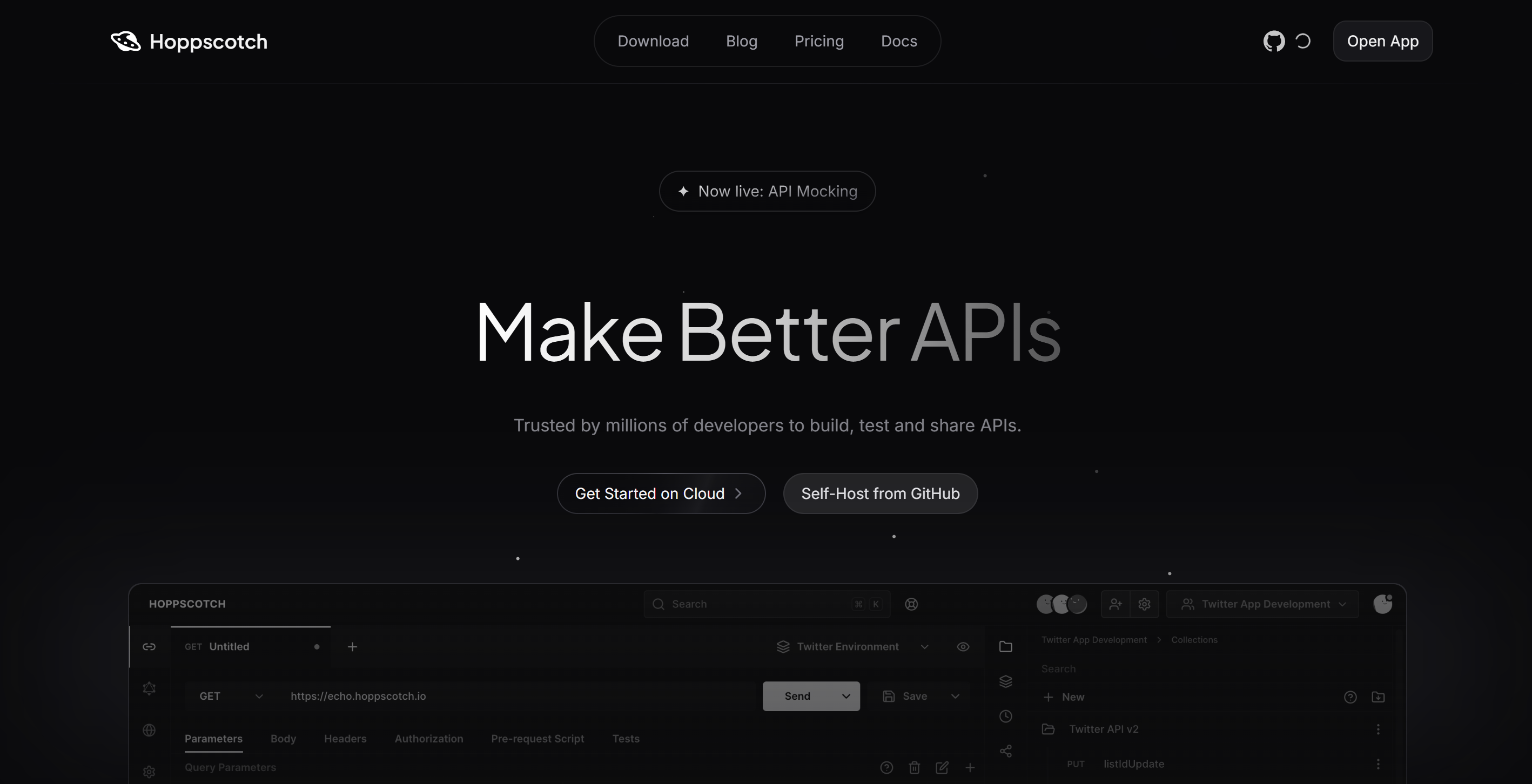
Hoppscotch is a lightweight, browser-based API testing tool.
Key Strengths
- No installation required
- Extremely fast to use
- Clean UI for quick endpoint checks
- Good for demos and learning HTTP basics
Limitations
- Limited automation capabilities
- Not suitable for complex or long-term testing
Interview Tip 💡
Great for quick checks — but clarify why it’s not enough for real project testing.
7. Katalon API Testing
Katalon is an enterprise-grade test automation platform.
Key Strengths
- API, UI, and test automation in one platform
- Strong CI/CD integration
- Detailed test reports and dashboards
Limitations
- Steep learning curve
- Overkill for junior developers and small projects
Interview Tip 💡
Mention Katalon only if you’ve worked in structured QA or enterprise environments.
8. Apache JMeter
JMeter is a long-standing tool focused on performance and load testing.
Key Strengths
- Industry-standard for stress and load testing
- Simulates high-concurrency scenarios
- Strong ecosystem in backend and DevOps teams
Limitations
- Outdated UI
- Not suitable for everyday functional API testing
Interview Tip 💡
JMeter shows you understand performance, not just correctness.
9. Yaak
Yaak is a modern API client focused on speed and simplicity.
Key Strengths
- Native desktop application
- Clean, distraction-free interface
- Fast for manual API testing
Limitations
- Small community and ecosystem
- Limited automation and scripting features
Interview Tip 💡
Yaak works well for manual testing, but explain how you’d scale beyond it.
10. Curl + HTTPie
Command-line tools remain foundational for API testing.
Key Strengths
- Works in any environment (local, server, CI)
- No abstraction — pure HTTP
- Ideal for automation and debugging scripts
Limitations
- No visual interface
- Higher learning curve for beginners
Interview Tip 💡
Knowing curl or HTTPie signals deep understanding of HTTP and APIs beyond GUI tools.
Final Note
For junior developers, the hardest part is not learning how to send an API request —
it’s choosing tools that won’t become bottlenecks as projects grow.
Most API tools on the market optimize for one specific moment:
- Lightweight clients are excellent for quick checks, but stop scaling once automation and collaboration are needed.
- Enterprise platforms are powerful, but introduce unnecessary complexity too early.
- Specification tools define what an API should be, but not how it actually behaves in real systems.
This creates a common problem:
developers are forced to switch tools mid-way, relearn workflows, and migrate test assets just when projects become more complex.
EchoAPI is positioned differently.
It is designed to support the entire early-to-mid project lifecycle:
- from learning and manual testing,
- to authentication-aware testing,
- to mocking and parallel frontend–backend development,
- and finally to automated, repeatable test workflows.
Just as importantly, EchoAPI does not hide real-world complexity.
It introduces concepts like authentication, assertions, and test structure early — in a way that is approachable, but not simplified away. This means skills gained in EchoAPI translate directly to real jobs and technical interviews.
In short, EchoAPI is not about replacing every API tool.
It is about reducing friction, tool switching, and cognitive overhead during the most critical growth phase of a developer’s career.
For junior developers preparing for real projects and real interviews in 2026,that difference matters.
