



 EchoAPI for VS Code

 EchoAPI for IntelliJ IDEA

 EchoAPl-Interceptor

 EchoAPl CLI
 EchoAPI Client
 API Design
 API Debug
 API Documentation
 Mock Server


My First API Test with Postman and EchoAPI: Mistakes Made and Lessons Learned
Zero-config EchoAPI beats Postman by 10 s—no signup, 1-second response; the author’s real first-run diary tells you which API debugger to pick today.


The following content is based on the user’s real story. We crafted the content using this real experience.
It all happened on a peaceful afternoon.
I sat down with a cup of overpriced Starbucks cold brew, cracked my knuckles,
and told myself:
“Today, I will finally do my first ever API test like a real developer.”
In my head, it would go like this:
Open tool → paste URL → click Send → boom JSON → I feel like a tech god.
Reality, however, delivered something closer to:
Postman: Welcome to your trial of suffering.
EchoAPI: Welcome to the fast lane, my friend.
Chapter 1: Postman — The Unexpected Entry Exam
I opened Postman with genuine excitement.
“This is it,” I thought,
“the legendary tool used by Real Developers™.”
Two seconds later, that excitement evaporated.
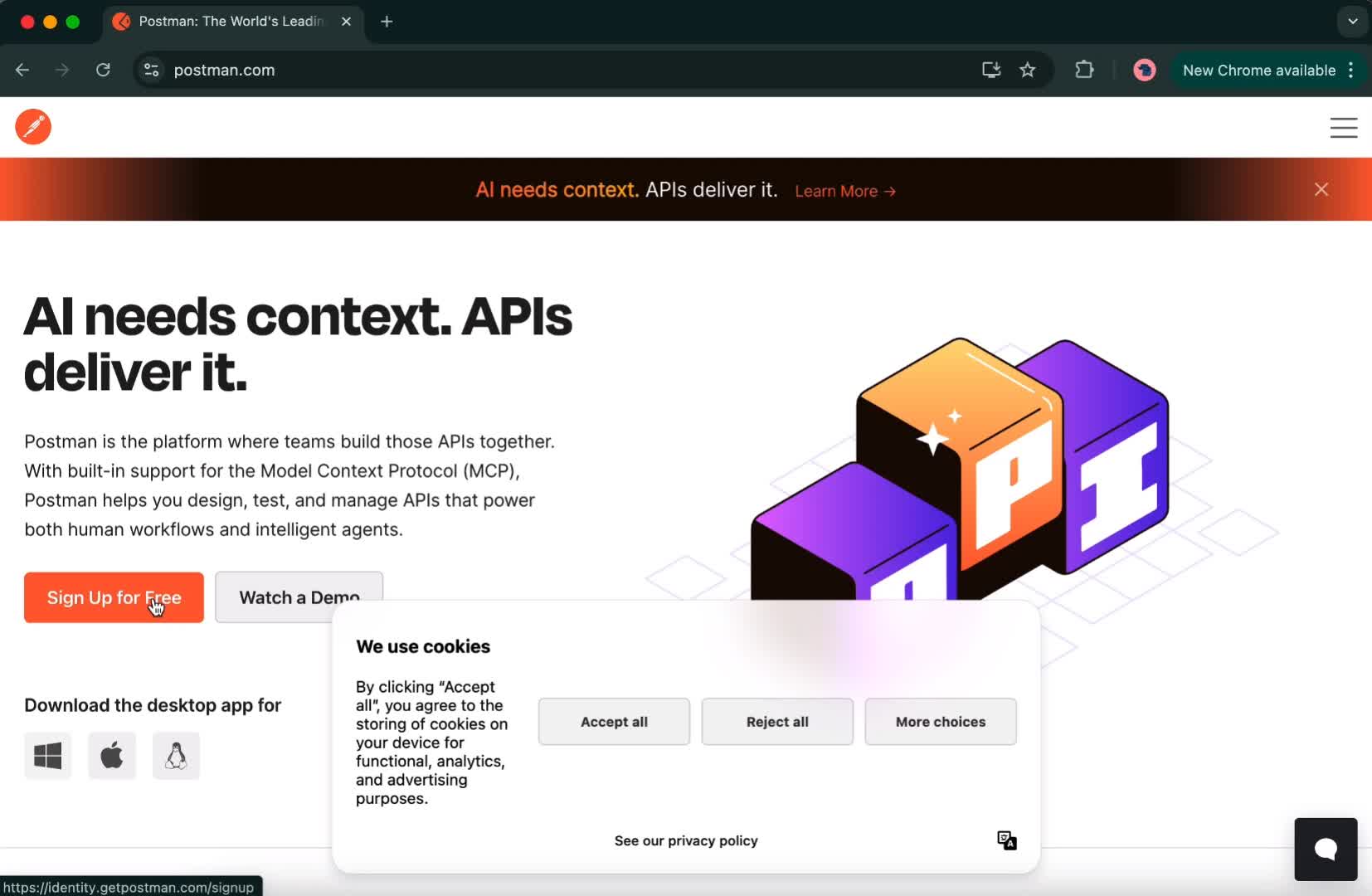
Step 1: Open Postman (Immediately hit by a mandatory-looking registration)
I wasn’t even fully caffeinated yet when a giant Sign Up For Free button flashed across the screen like a Vegas billboard.
Me:
“I’m just trying to send a GET request…
Why does it feel like I’m about to apply for citizenship?”
Step 2: The Registration Quest
Then came Google login, GitHub login, email registration…
All the classic onboarding hoops.
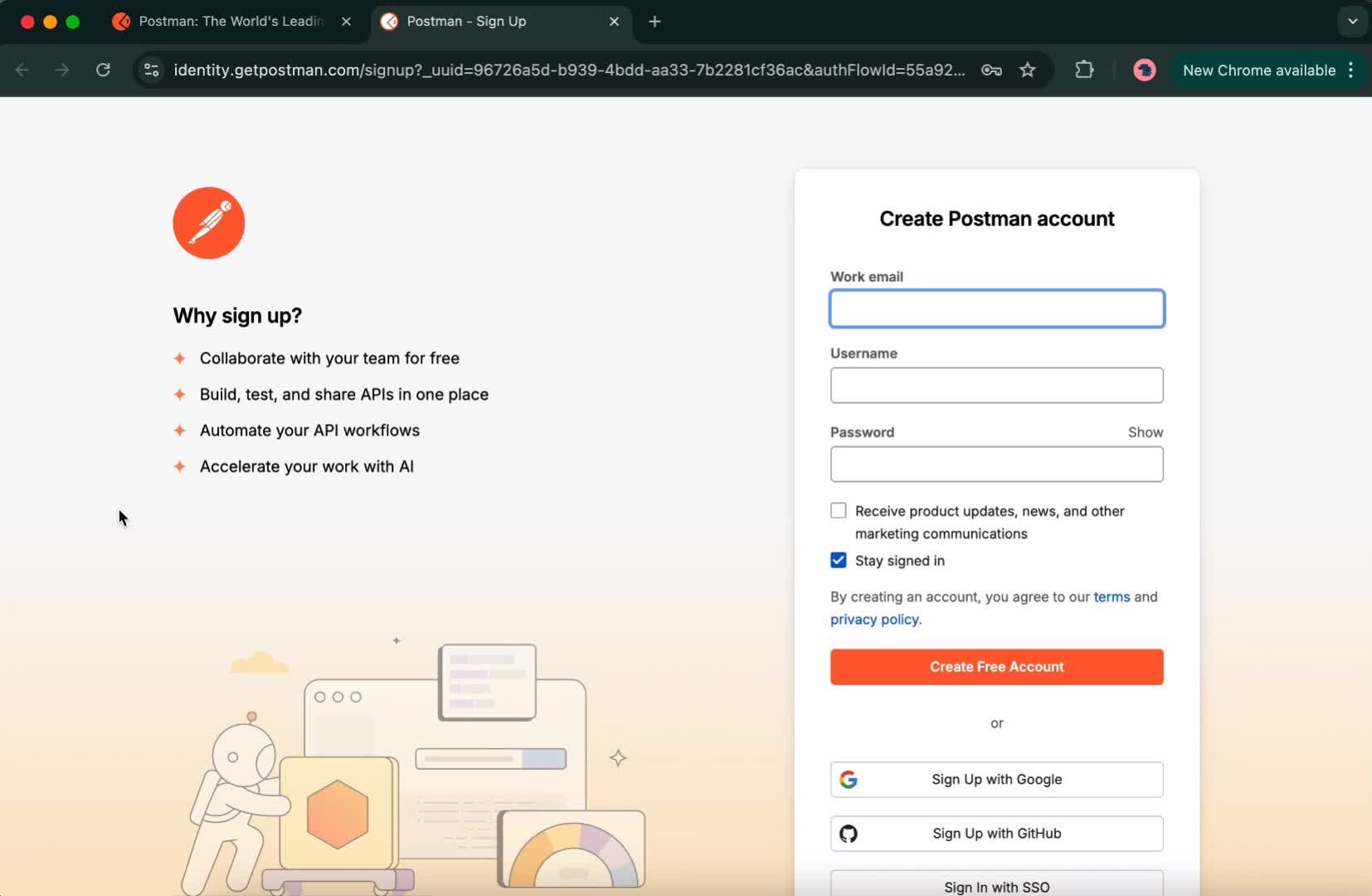
It felt like signing up for a new streaming service—
Except I wasn’t getting access to The Last of Us
I just wanted JSON.
Finally, I got in.
Naively, I believed the suffering was over.
I was wrong.
Step 3: Postman’s AI assistant jumps out like a pop-up ad from 2003
The homepage loads,
and suddenly an AI assistant leaps on screen—
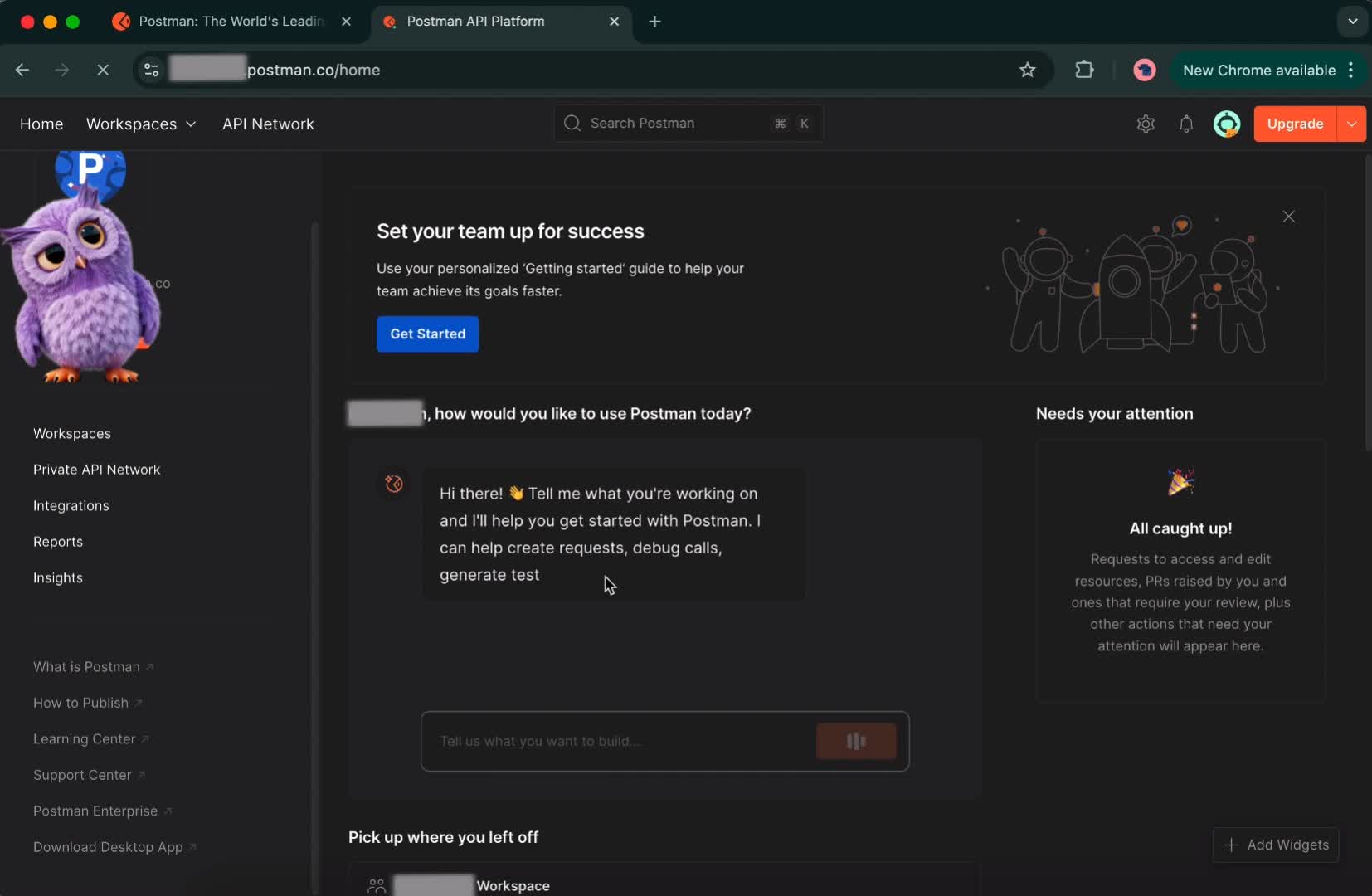
Full center stage.
Zero warning.
Like the NPC in Skyrim who sprints at you yelling random lore.
Me:
“Bro, personal space??
I’m just trying to find one button.”
Step 4: Finding Workspaces (A scavenger hunt begins)
I scroll.
And scroll.
And scroll some more.
Finally, I found the workspace
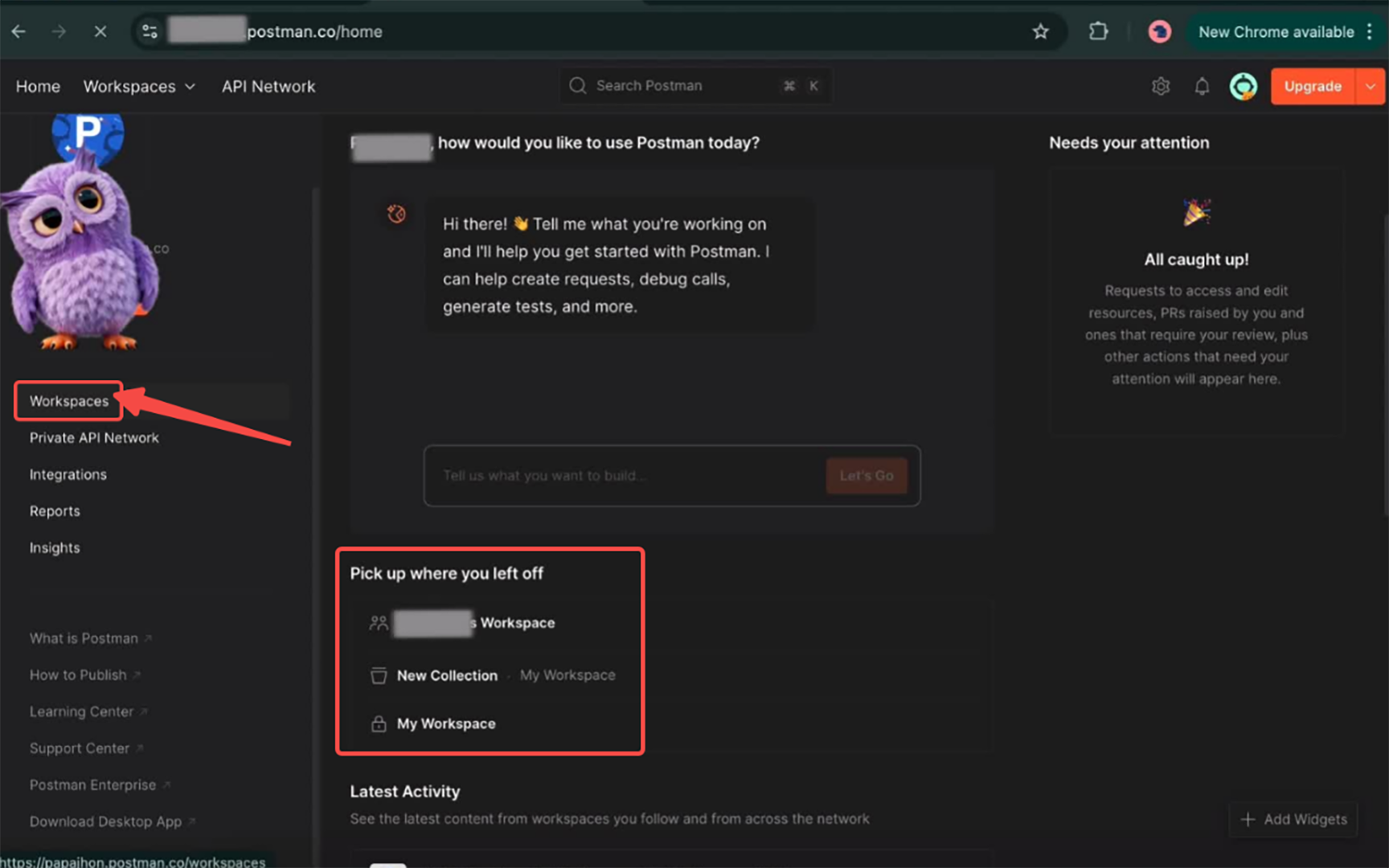
I felt like I’d discovered Atlantis.
Step 5: Join a project and Ready to actually do API things (I think)
Selecting a project wasn’t too bad.
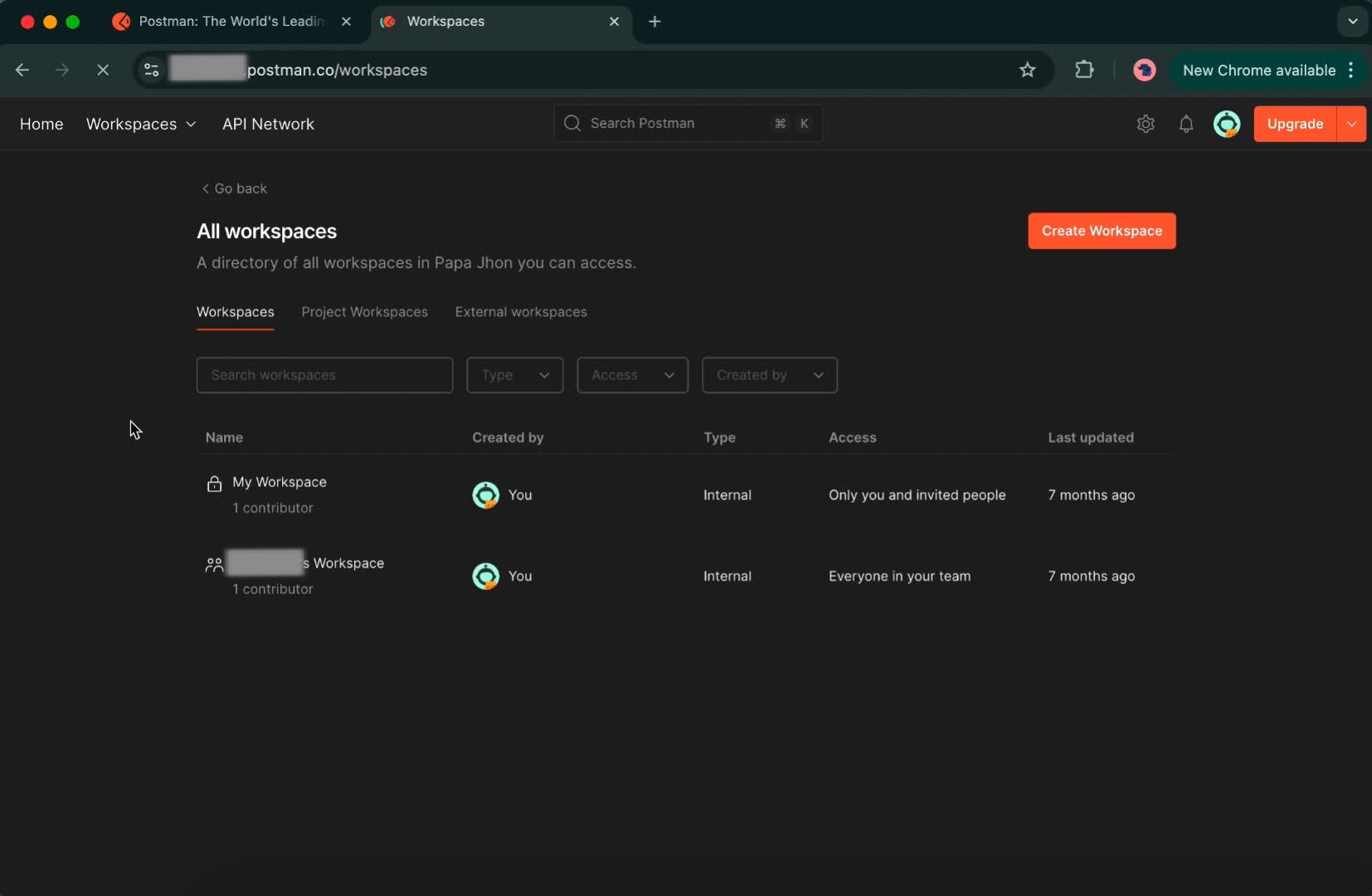
At this point, I sat up straight like a kid about to start a first driving lesson.
“Okay. This is it. FINALLY.”
But oh no.
Oh. No.
Step 6: Searching for the “+” button → Playing a UI version of Where’s Waldo
The Overview page shows up.
I look around…
No obvious “Create Request” button.
No big call-to-action.
Then I spot it.
Hidden. Tiny. Shy.
A very subtle…
“+”
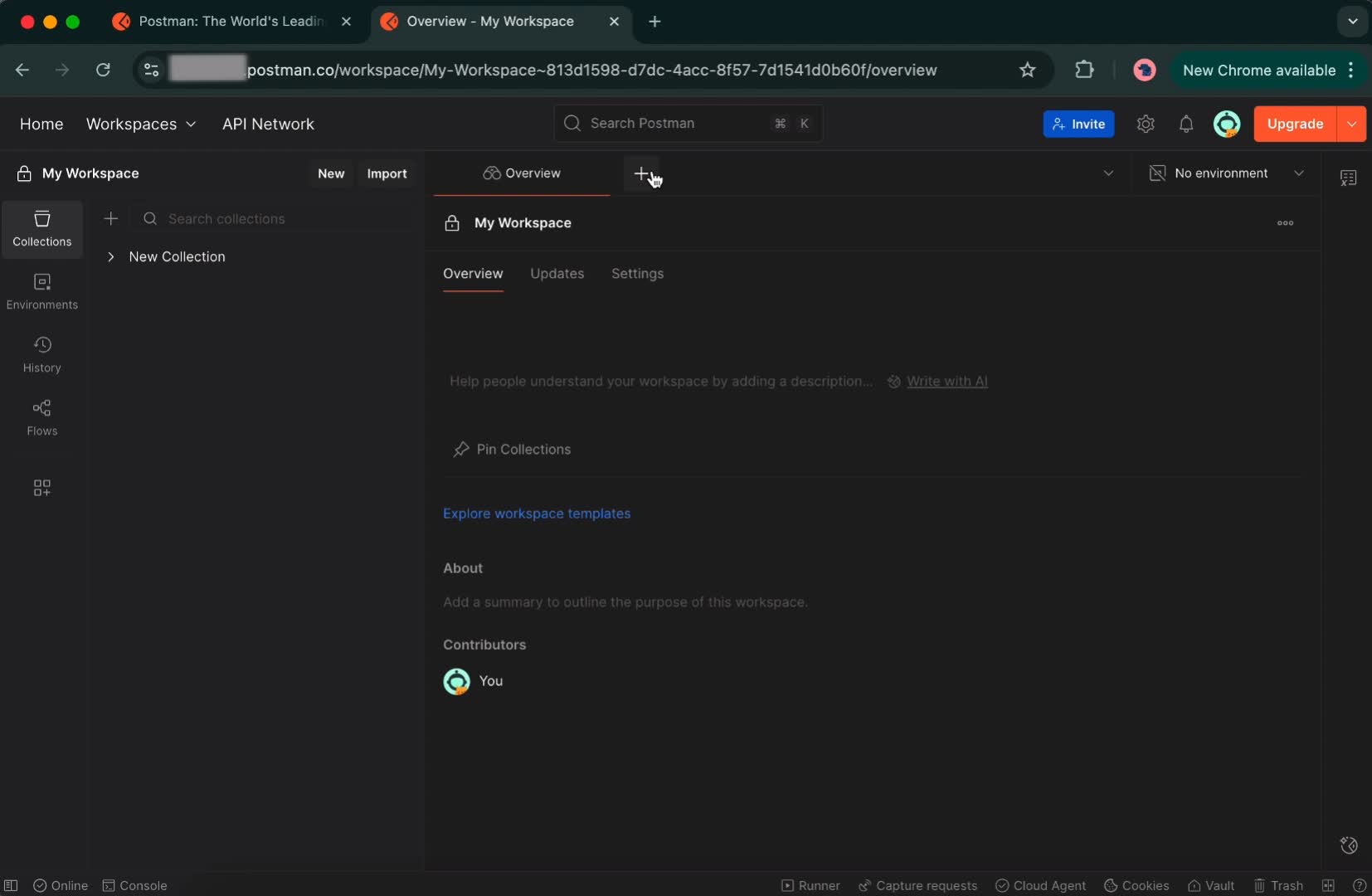
It’s smaller than a browser tab
and about as visible as a raccoon in a blackout.
Me:
“Dude, you’re the MAIN BUTTON.
Why are you acting like you don’t want to be found?”
Step 7: Type URL → Hit Send → Begin the spiritual waiting ceremony
I paste my URL.
I click Send.
And Postman is like:
“Processing… thinking… loading… warming up… maybe going for a walk…”
Ten.
Whole.
Seconds.
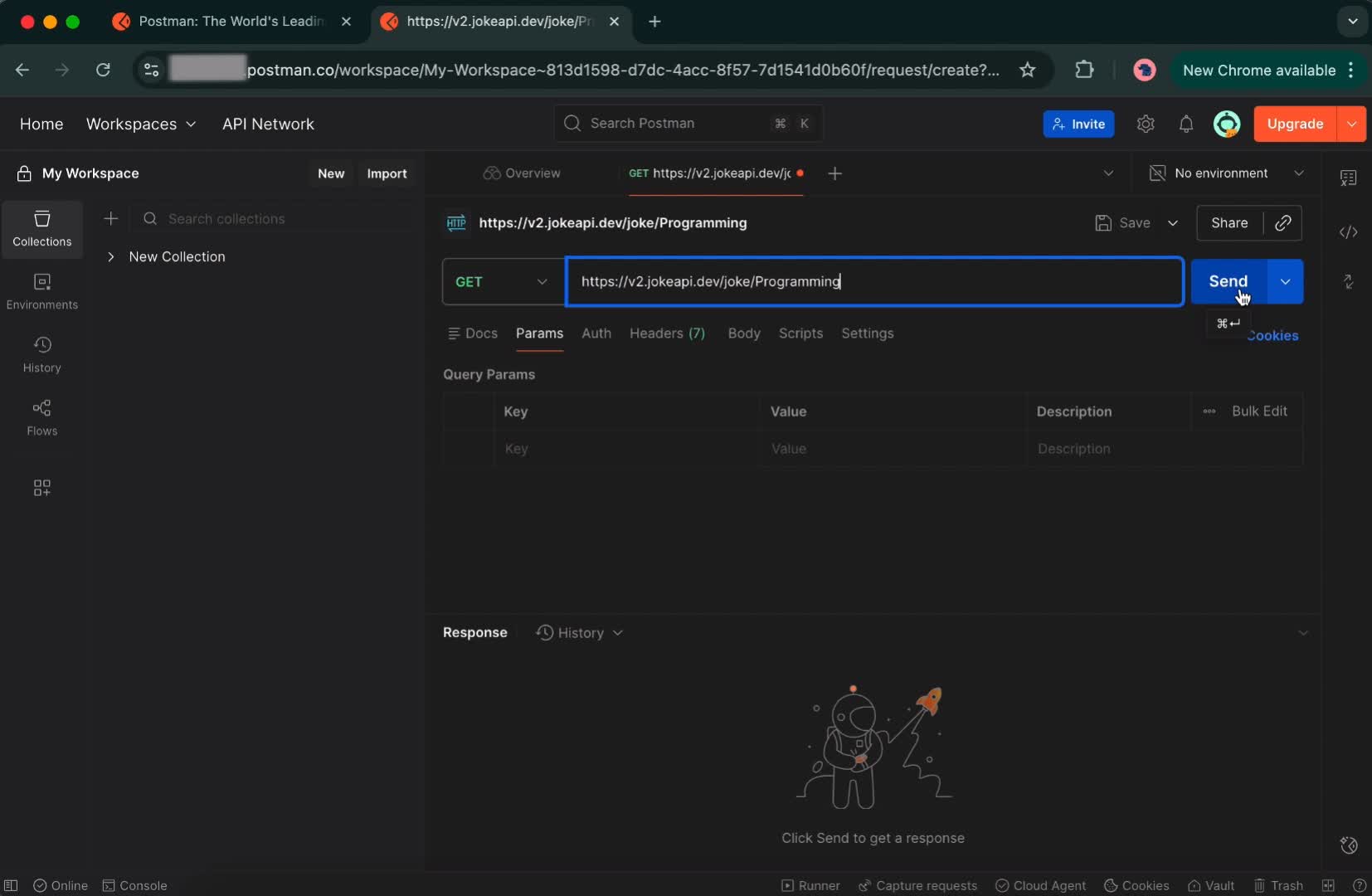
By second 7 I genuinely wondered if my Wi-Fi died
or if Postman was trying to contact NASA or something.
Finally, the result appears:
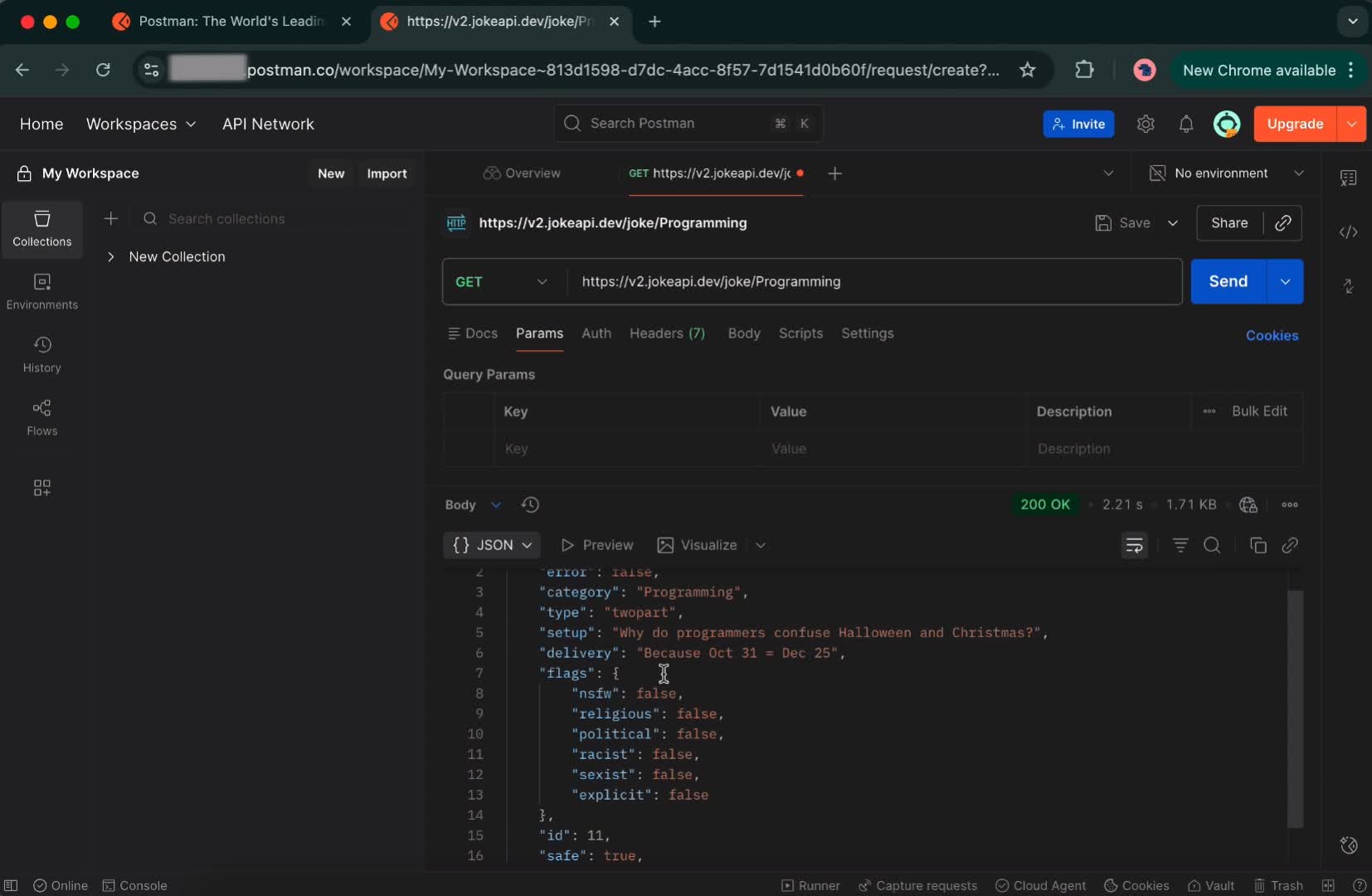
Total Postman onboarding time: ~2 minutes
10 seconds → writing the request
110 seconds →
registration + onboarding + UI treasure hunt + waiting
It felt like going to the DMV just to ask a question.
Chapter 2: EchoAPI, The Instant-Gratification Theme Park Ride
After the Postman trial,
I opened EchoAPI expecting more pain.
Instead, I got something wildly different—
like switching from dial-up internet to fiber.
Step 1: Click “Start for Free” → instantly in the workspace
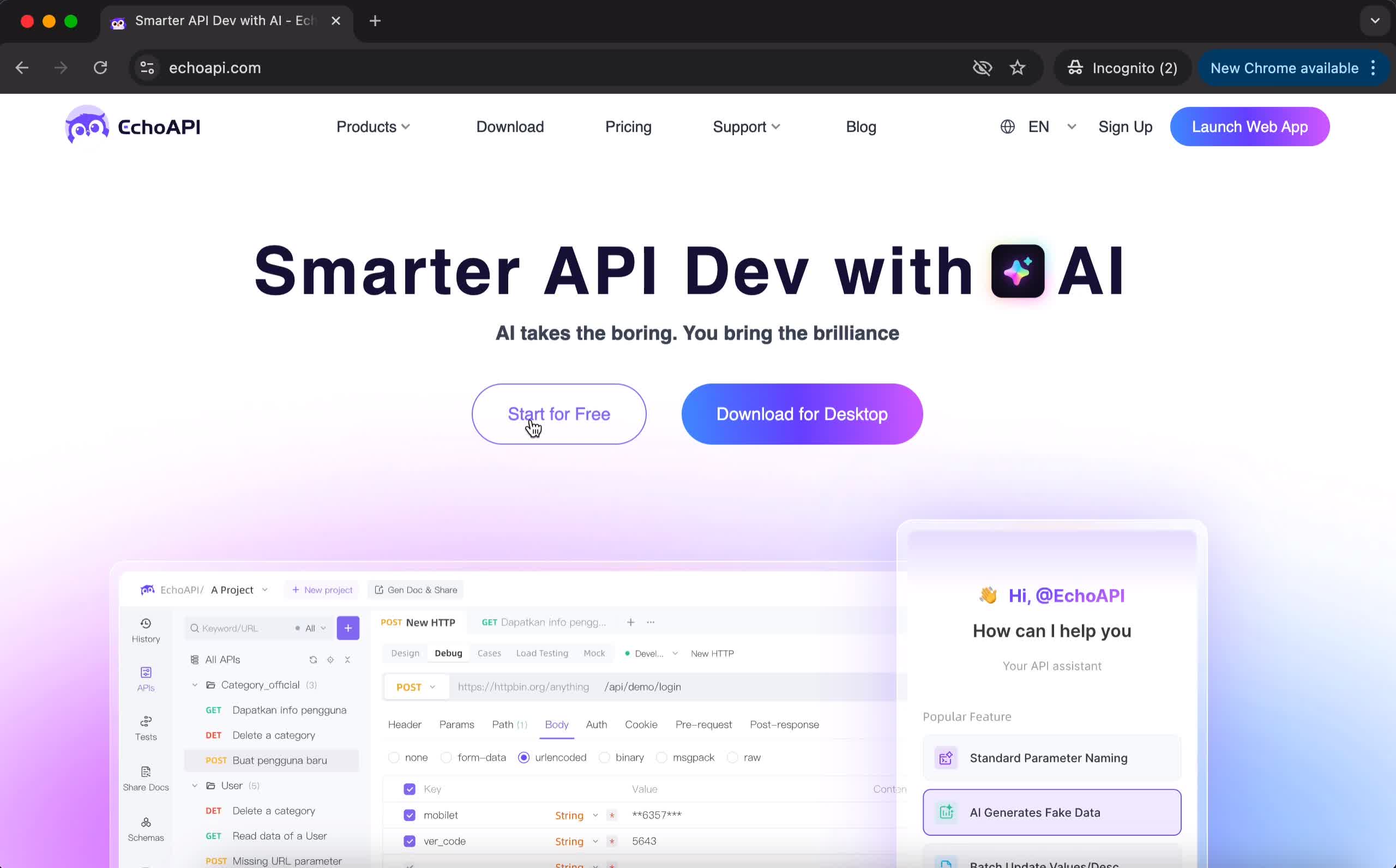
No signup.
No login.
No email.
No “verify you're not a robot.”
No “accept cookies or perish.”
The moment I clicked, it threw me straight into the working interface:
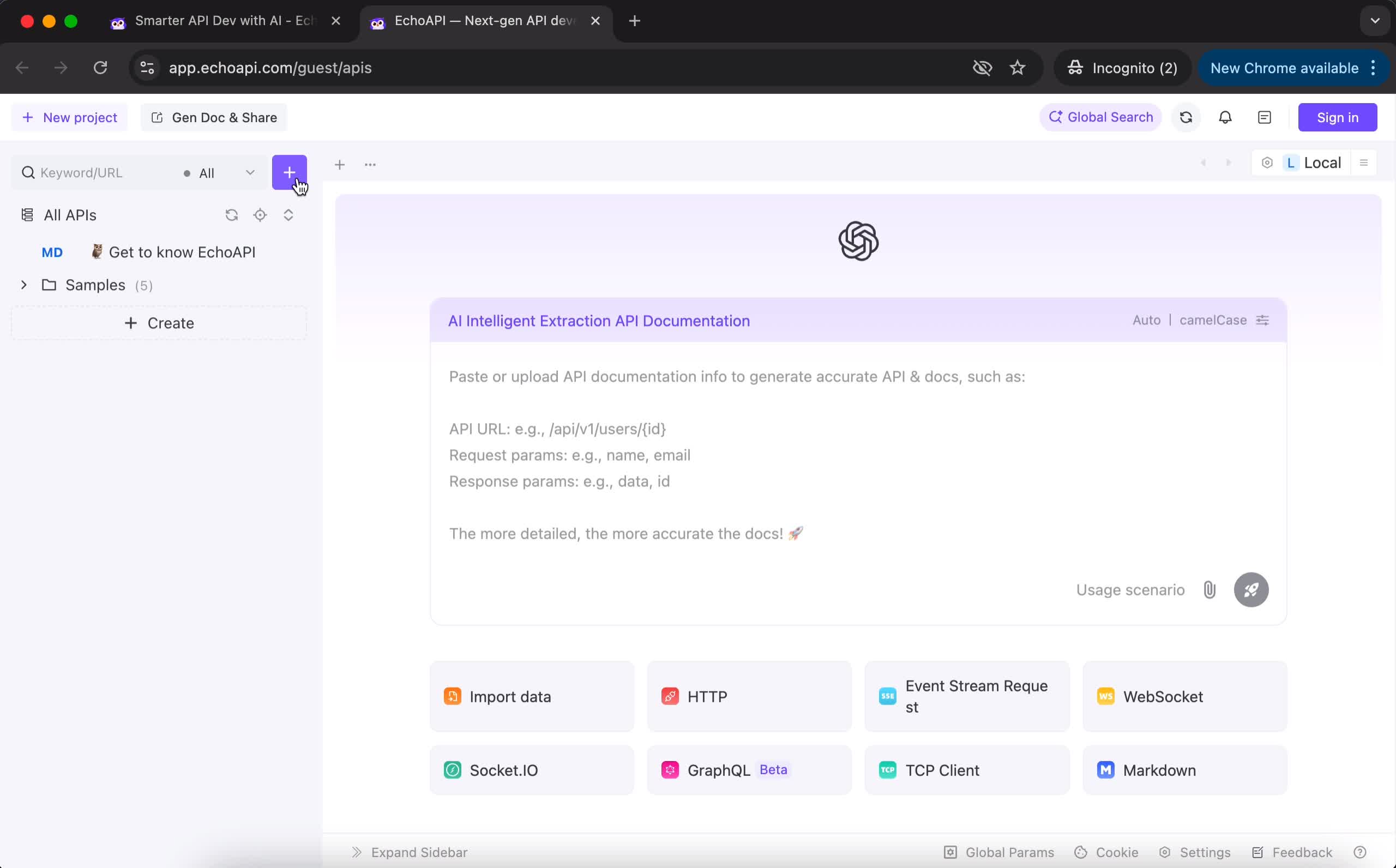
Me drinking my cold brew:
“…wait… that’s it?
I’m already in??”
The emotional whiplash was REAL.
Step 2: The “+” button is huge, bright, obvious — practically waving at me
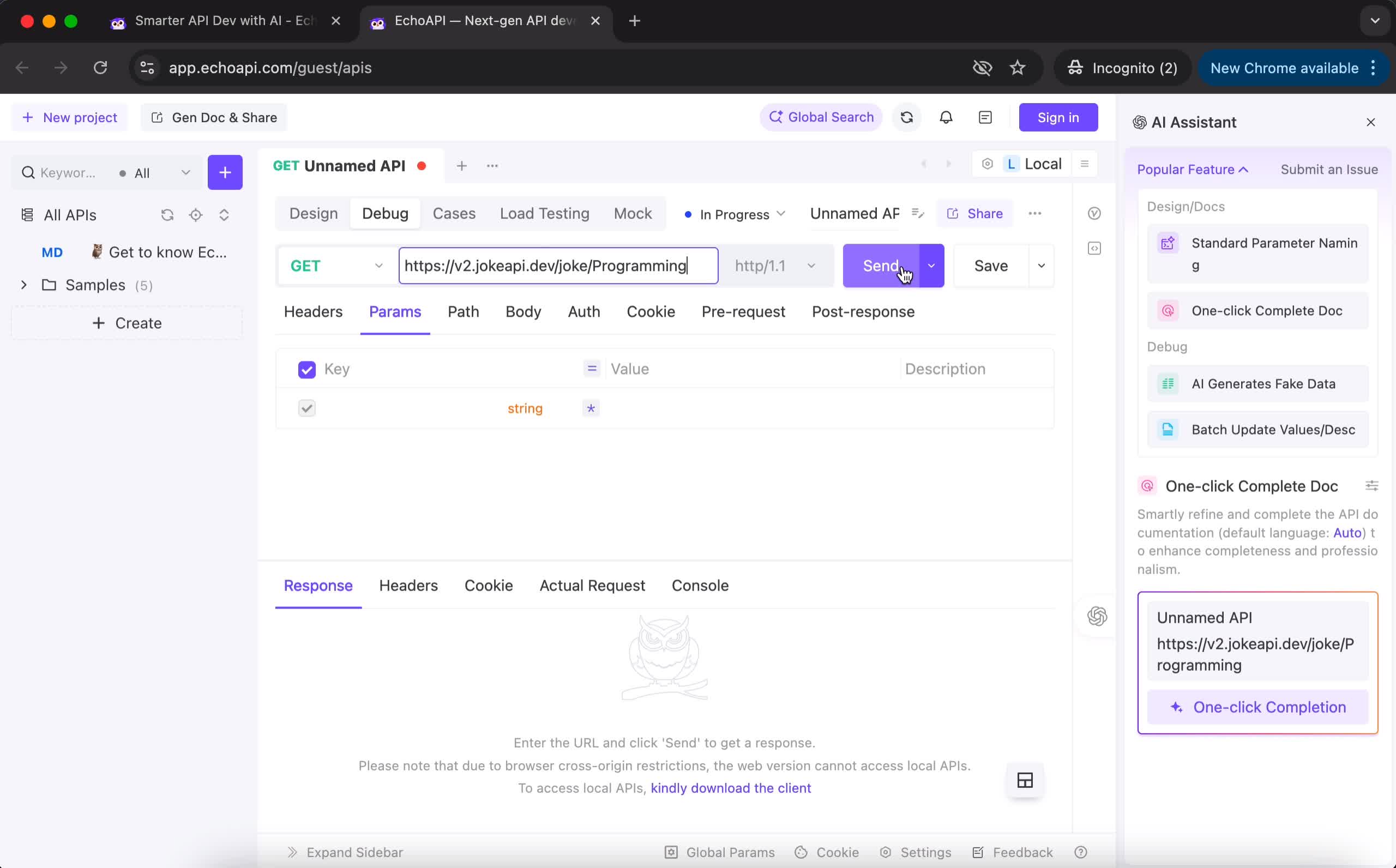
This button is so well-placed
you could find it while half-asleep or hungover.
No UI scavenger hunt.
No guessing.
Just:
Click → paste URL → Send.
Step 3: Under 1 second. ONE. SINGLE. SECOND.
I hit Send expecting Postman-style meditation time.
But EchoAPI said:
“Nope. Here’s your result, champ.”
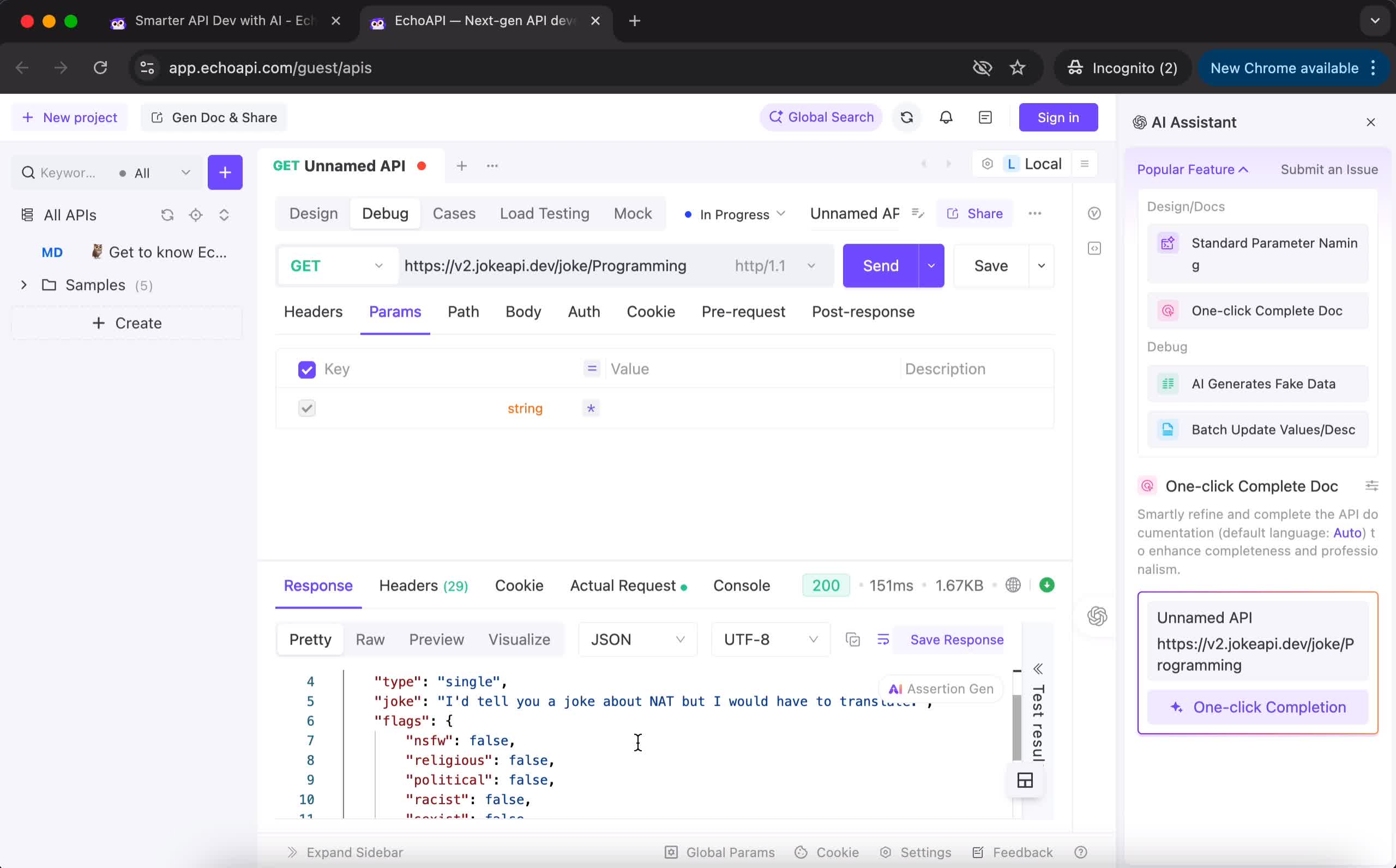
The JSON appeared so fast
I physically leaned forward in shock.
It felt like switching from
“Windows XP boot-up
to
MacBook M3 instant wake.”
Total EchoAPI time: ~20 seconds
Open site → click + → paste URL → Send → result instantly
No friction. No drama. No waiting room energy.
Just raw, instant productivity.
Chapter 3: Final Thoughts from a True API Beginner
Postman: The “RPG Tutorial Level” of API testing
- So many steps
- So many UI elements
- Slow first request
- High learning curve
- Training montage vibes
Feels like fighting the first boss in Dark Souls with no armor.
EchoAPI: The “frictionless express lane”
- No login
- No onboarding
- No distraction
- Clear UI
- Lightning-speed response
Feels like taking an e-scooter downhill with no brakes
—in a good way.
